一、老旧设备安装win11
限制:
1、TPM
2、Intel 7代以后的cpu
步骤:
1、下载win11 iso文件,https://next.itellyou.cn/
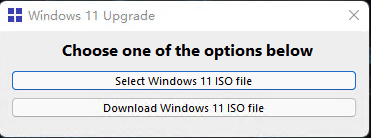
2、下载windows11upgrade程序,https://github.com/coofcookie/Windows11Upgrade
3、通过windows11upgrade安装系统
二、优化win11
1、Geek Uninstall https://geekuninstaller.com/
2、HEU_KMS_Activator https://github.com/zbezj/HEU_KMS_Activator/releases
3、iobit_driver_booster
4、Dism++优化工具,去掉 快捷方式 字 http://www.winwin7.com/soft/xtgj-2248.html
开启旧版右键菜单:
reg add “HKCU\Software\Classes\CLSID{86ca1aa0-34aa-4e8b-a509-50c905bae2a2}\InprocServer32” /f /ve
恢复windows11新版右键菜单:
reg delete “HKCU\Software\Classes\CLSID{86ca1aa0-34aa-4e8b-a509-50c905bae2a2}” /f
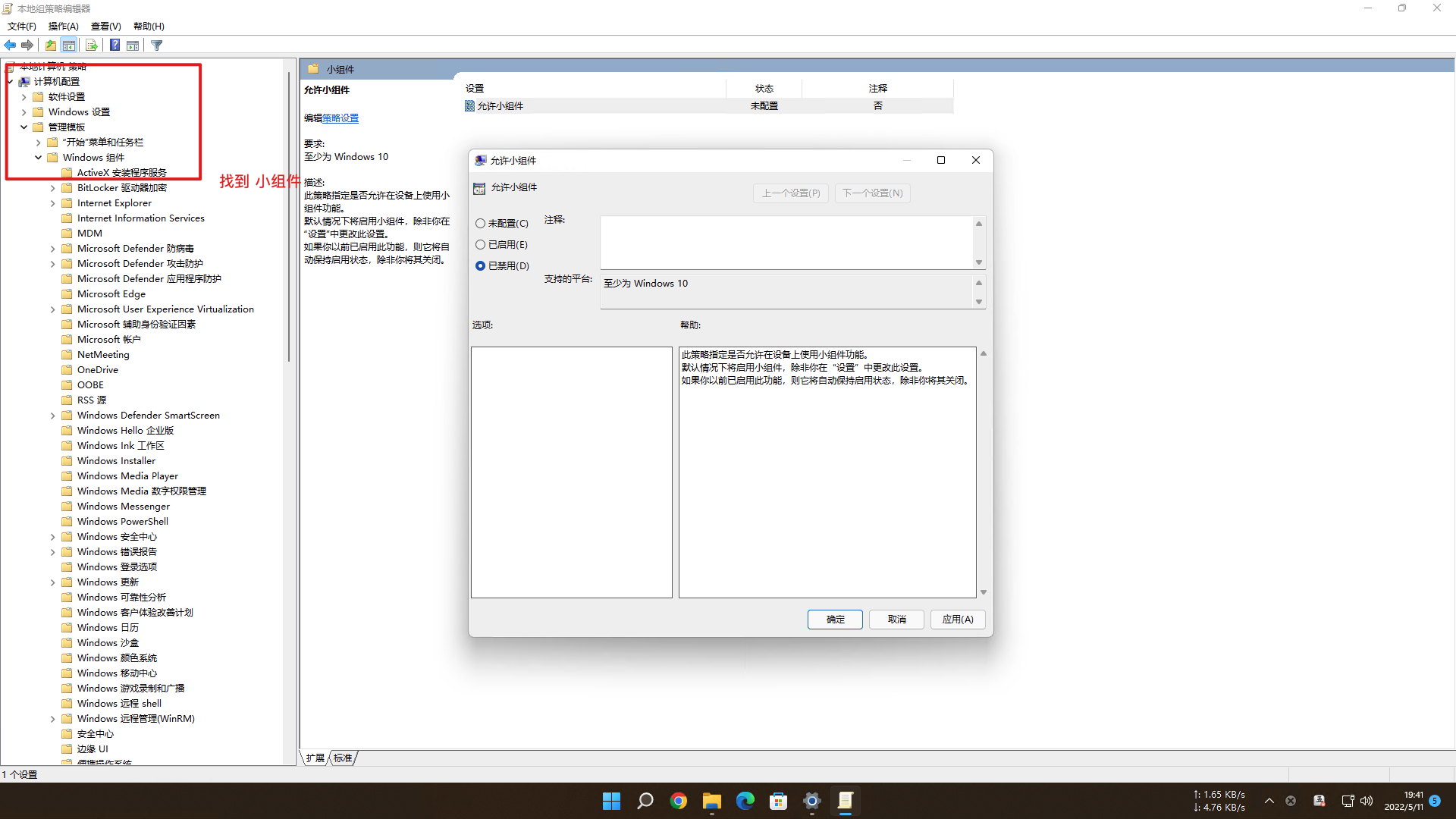
5、关闭 小组件 和 聊天
6、禁用遥测
转载请注明来源,欢迎指出任何有错误或不够清晰的表达。可以邮件至 xiyugee@qq.com
